Logging In
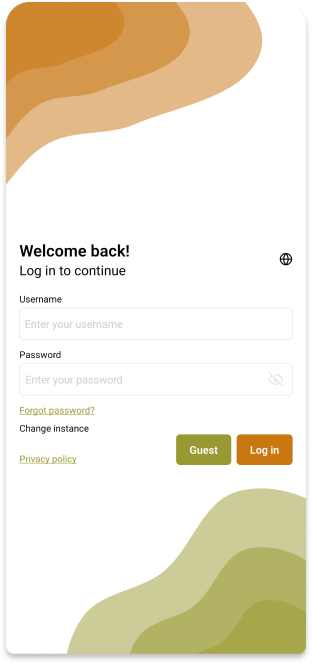
To use the INATrace Mobile App, you need to log in with your email and password.
Log in with your email and password
To log in to the INATrace Mobile App you need to enter your email and password. If you don't have an account yet, you can try out the app by clicking the Guest button.
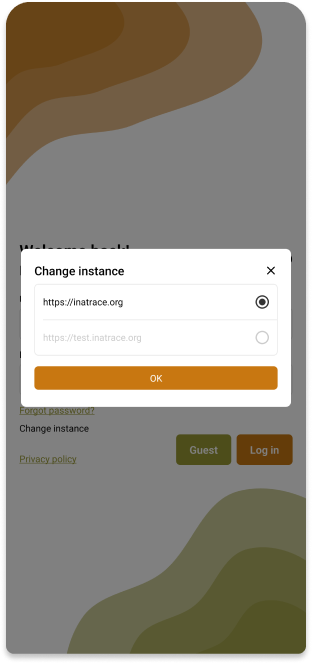
Change instance
If you want to log in to a different instance, you can do so by clicking the Change instance button.
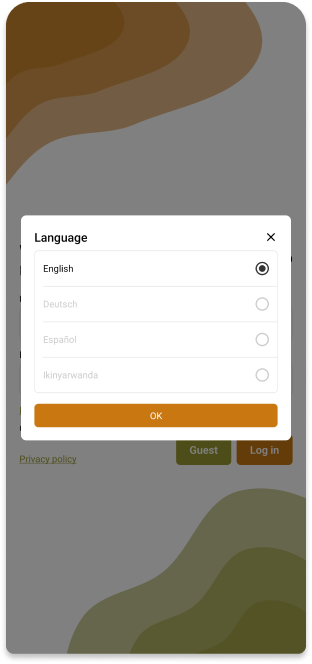
Change language
If you want to change the language of the app, you can do so by clicking the Change language button.