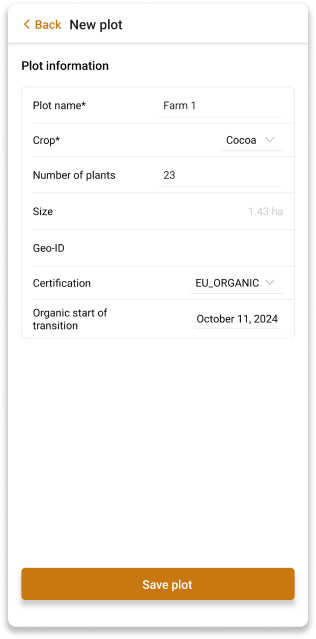
New Plot
You are able to add a new plot to a selected farmer.
Add New Plot
To add a new plot, click the Add new plot button. You will be redirected to the New Plot screen.
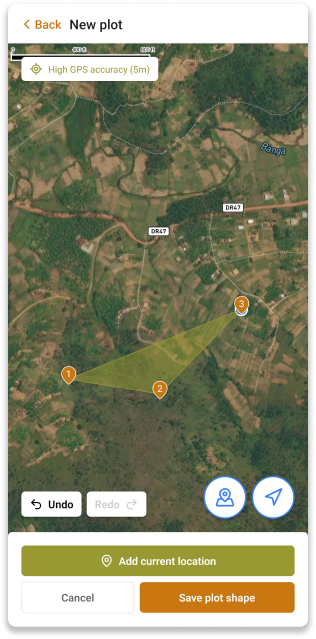
If GPS accuracy is above 10 meters, you will be able to manually adjust the plot location by dragging the marker on the map.
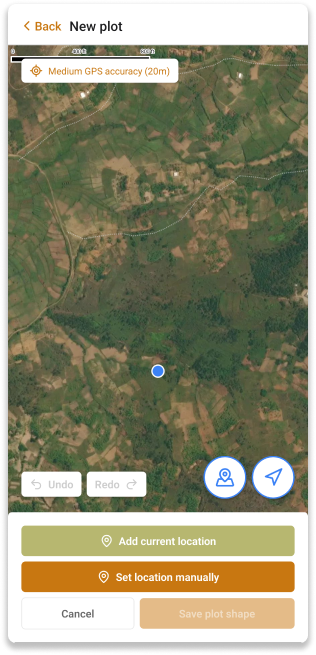
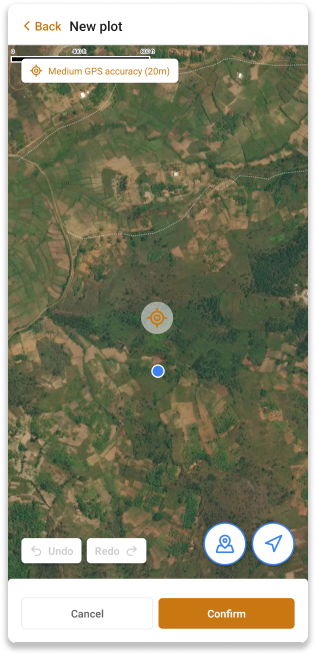
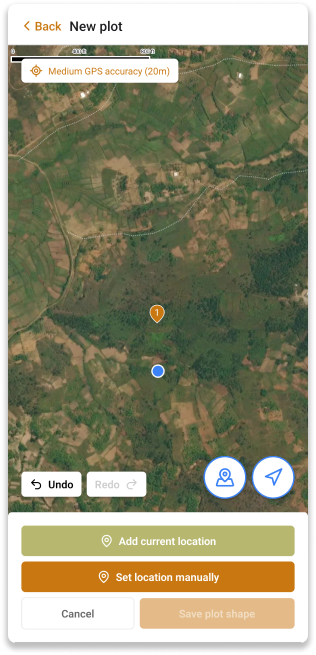
You can also undo the location point by clicking the Undo button and redo the location point by clicking the Redo button.
After you have more than 3 location points you can click the Save plot shape button to continue to the last step, where you can add the plot details and save the plot.