User Settings
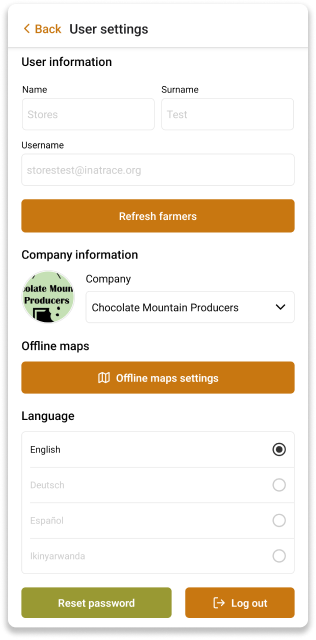
The user settings page displays user information - name, surname, and username. It allows you to change the assigned company.
You can access the offline maps settings - download, update, and delete offline maps. The offline maps are used for offline map download feature.
You can also change the language of the app. The app supports multiple languages. The default language is English.
You can also log out by clicking the Log out button, or reset your password by clicking the Reset password button.