Sync Data
The sync data feature allows you to synchronize your data with the server. If you captured new plots or created new farmers while offline, you can sync it with the server once you have an internet connection.
Sync Data
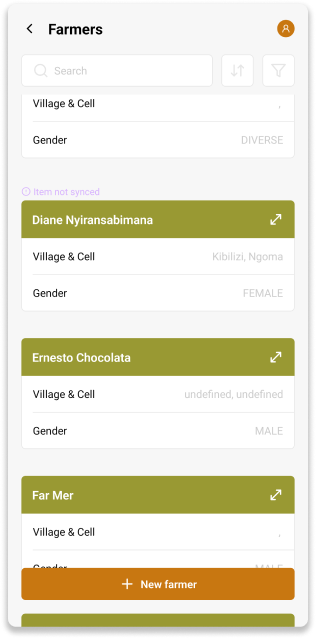
If an item is not synced, it will display a Item not synced warning above it.

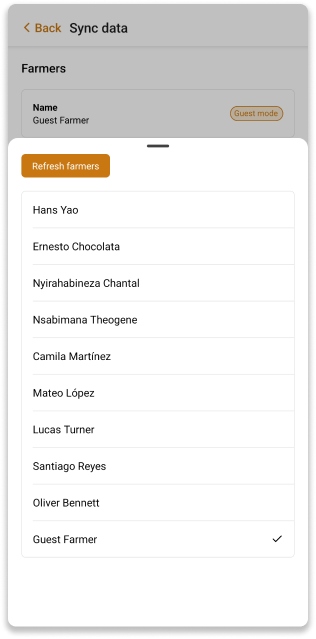
You can choose which farmer to sync the plot with. If you don't see a farmer listed, click Refresh farmers to update the list. Once you've selected a farmer, click Sync Data to synchronize the plot data with the server.