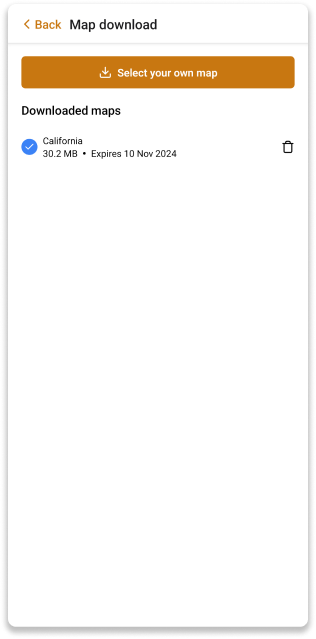
Offline Map Download
The offline map download feature allows you to download a map of a specific area to your device for offline use. This is useful when you are in an area with poor internet connectivity or when you want to save on data costs.
Download offline map
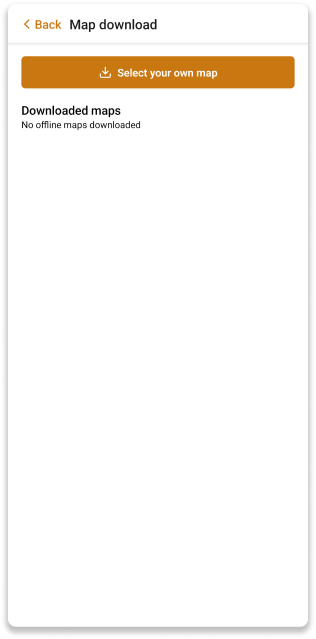
If you don't have an offline map downloaded yet, you will be prompted to do so once you log in the app.
To download an offline map, select the area that is displayed on the map. The blue borders indicate the area that will be downloaded. You can adjust the area by resizing the screen or moving the map around.
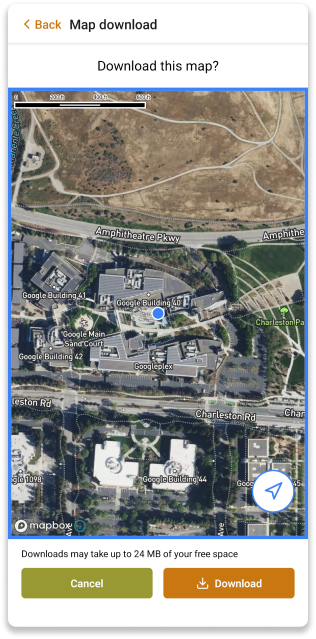
Once you have selected the area, click the Download button to start the download. The download progress will be displayed on the screen.